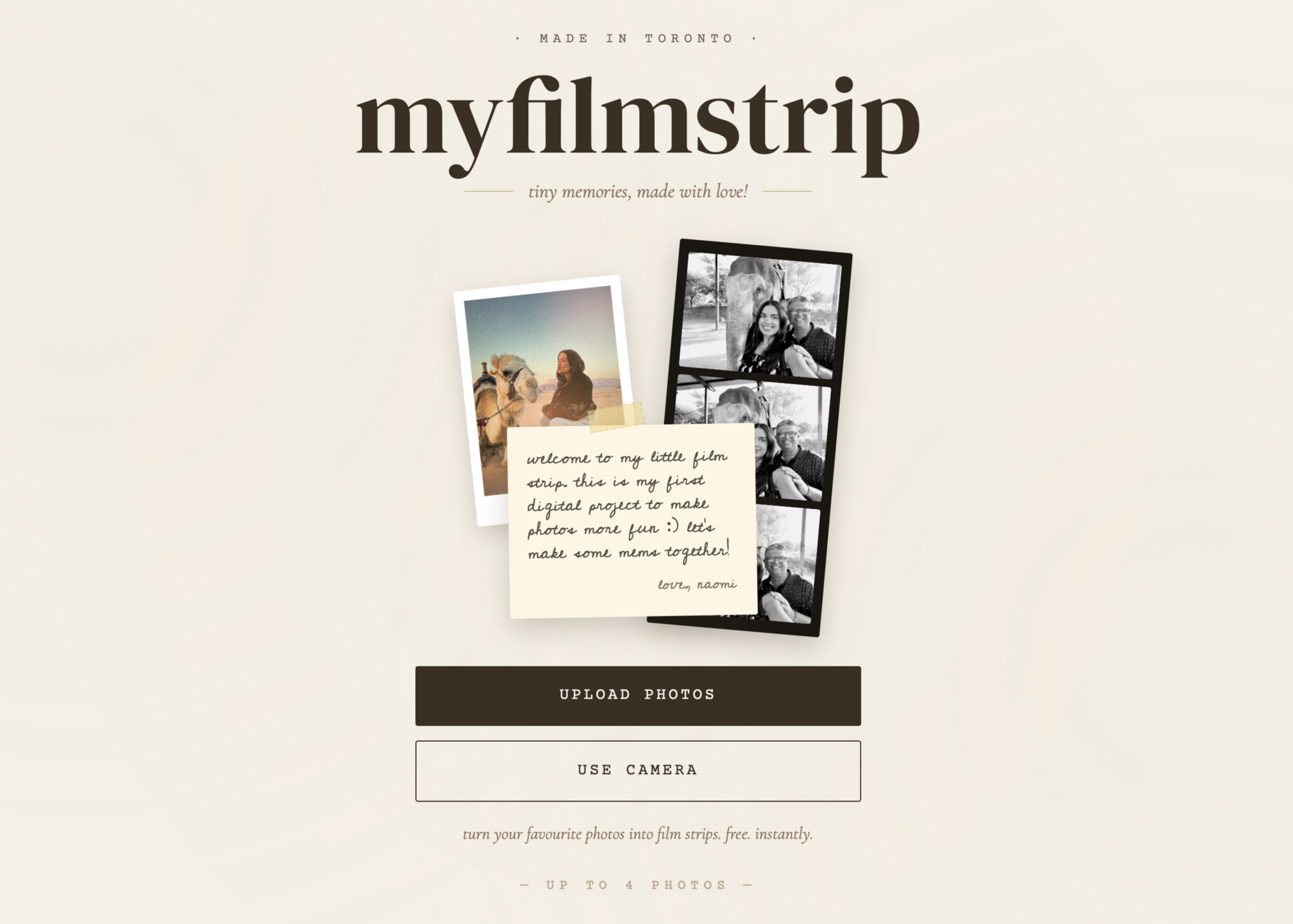
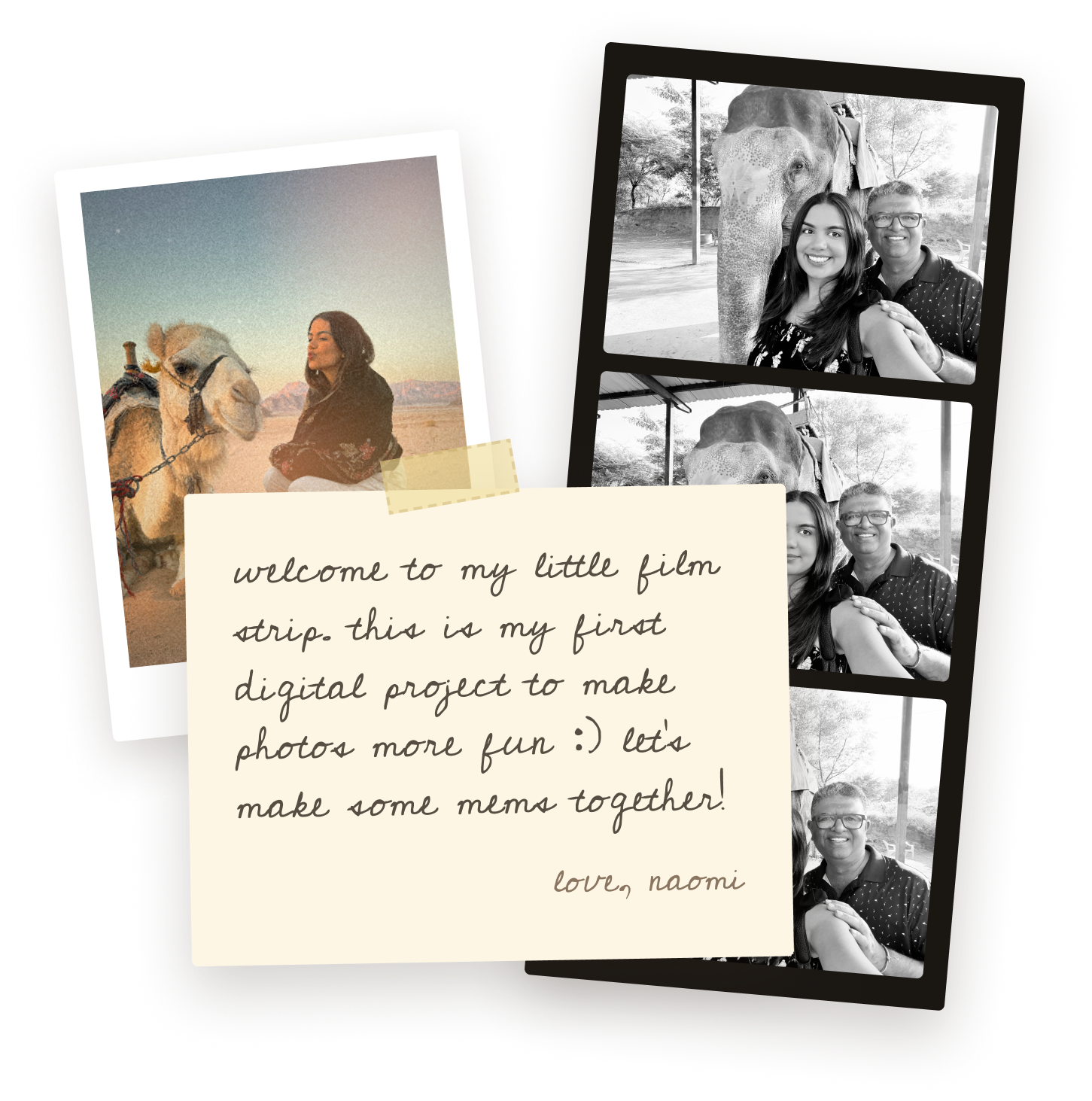
MyFilmStrip is a web app that allows users to turn everyday photos into nostalgic, vintage-style film strips. Users can upload up to four images, apply curated film-inspired filters, and export a stylized strip that feels like a real, physical artifact.
What makes this project unique is how it was built. I used AI tools to go from concept → design → development → deployment in a single day.
PROJECT OVERVIEW
What if digital photos could feel like something you’d actually want to print, keep, or scrapbook?
MY IDEA
As a scrapbooking girl, I’m constantly using random tools to edit my pictures and create a more vintage, journal feel. But all the tools online just have such a poor experience, or too many ads, or limited features.
DESIGN PROCESS
All in one day!
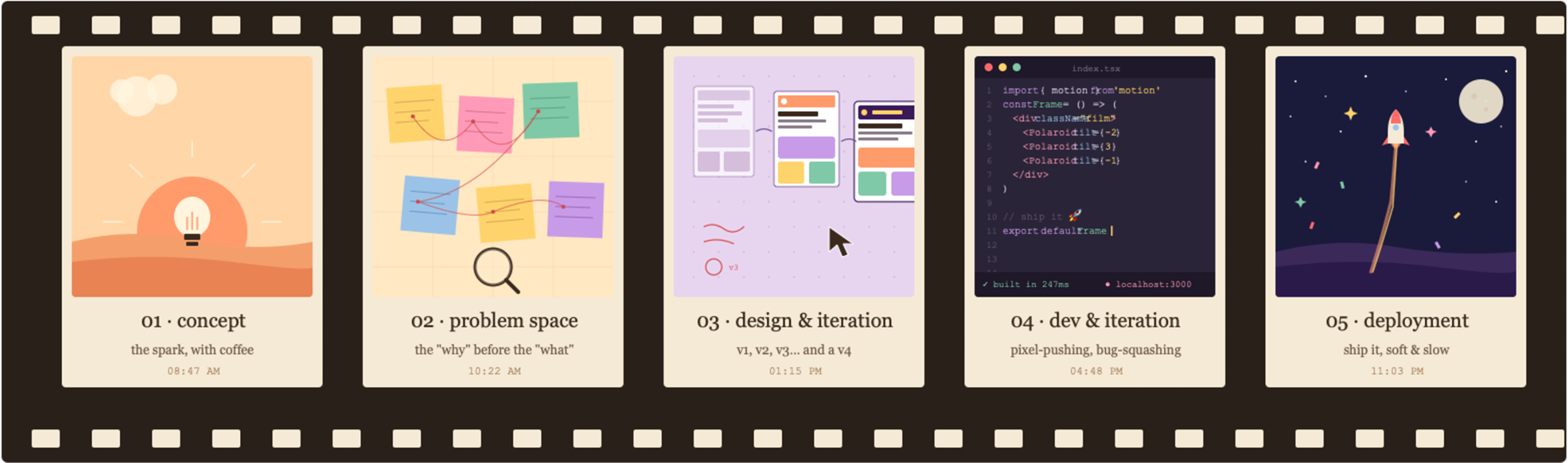
Taking my project through: concept → problem space discovery → design & iteration → development & iteration → deployment in a single day.
What’s in the market today just is not working.
PROBLEM SPACE
Most photo-editing tools today:
Feel overly complex or feature-heavy
Produce results that look too obviously digital
Lack emotional or tactile quality
Have limited customization
There’s a gap between: capturing memories digitally vs. experiencing them as something tangible
I wanted to design a tool that:
Is simple and constrained
Produces outputs that feel real and nostalgic
Encourages sharing or saving in a more meaningful way
Allows for basic customization
CONCEPT & FRAMING
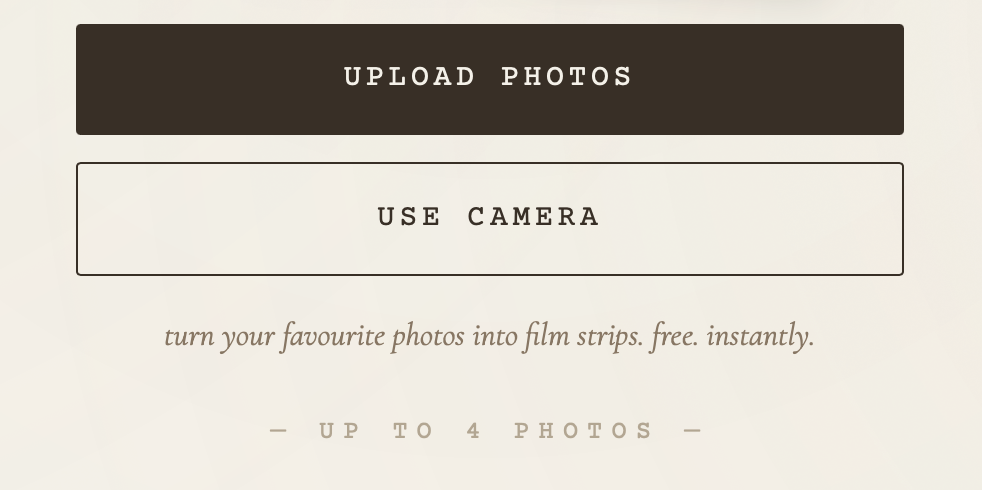
Uploading photos & Using your camera
Before getting into the bulk of my project, I wanted to define a clear, constrained experience.
Limiting the functionality to focus on:
Upload → reflective, memory based
Camera → spontaneous, in-the-moment creation
Designing for both allowed the product to serve different user intents without overcomplicating the interface
CORE FLOW
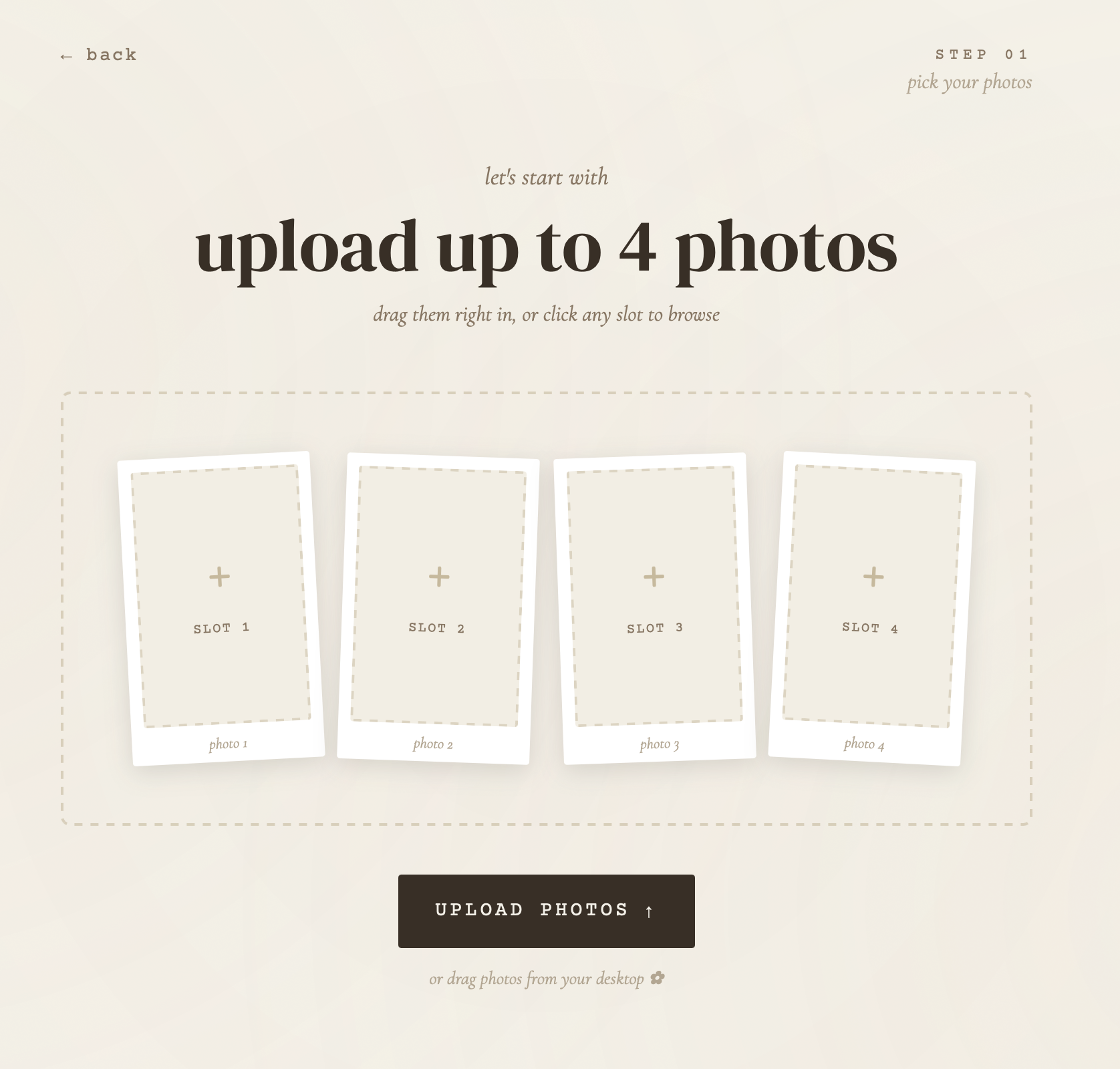
Upload Image Experience
The upload flow was designed to feel:
Frictionless
Guided but not restrictive
Key decisions:
Limit to 4 images → reinforces the film strip metaphor
Visual placeholders → communicates structure before action
Immediate feedback → reduces uncertainty after selection
The constraint became a feature, helping users focus on curation rather than excess.
CORE FLOW
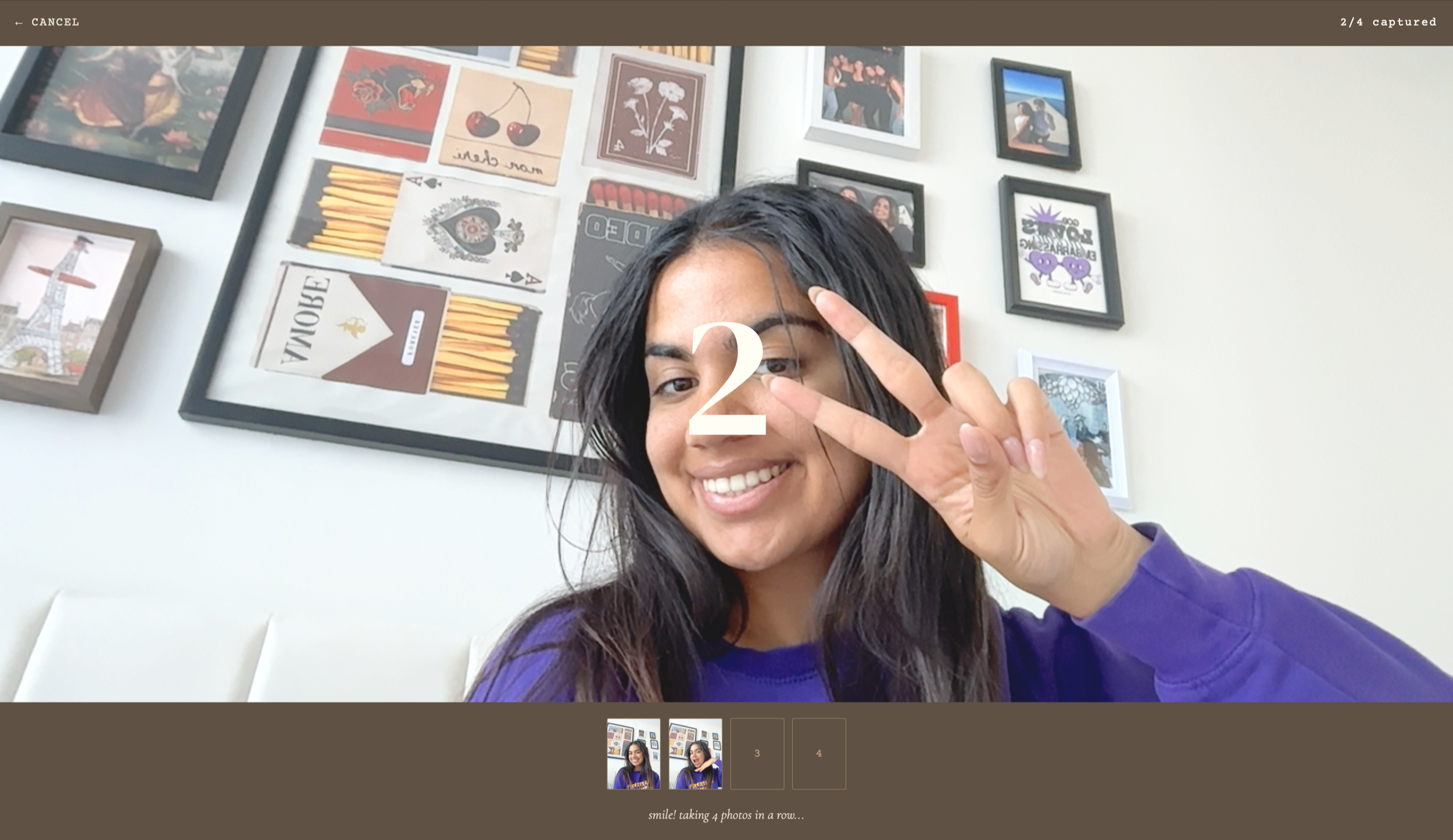
Camera Capture Experience
The camera flow introduced a different behavioural pattern:
Faster, more playful interaction
Less perfection, more spontaneity
3 Second timer
Design considerations:
Clear capture states (ready → capture → preview)
Lightweight transitions to maintain momentum
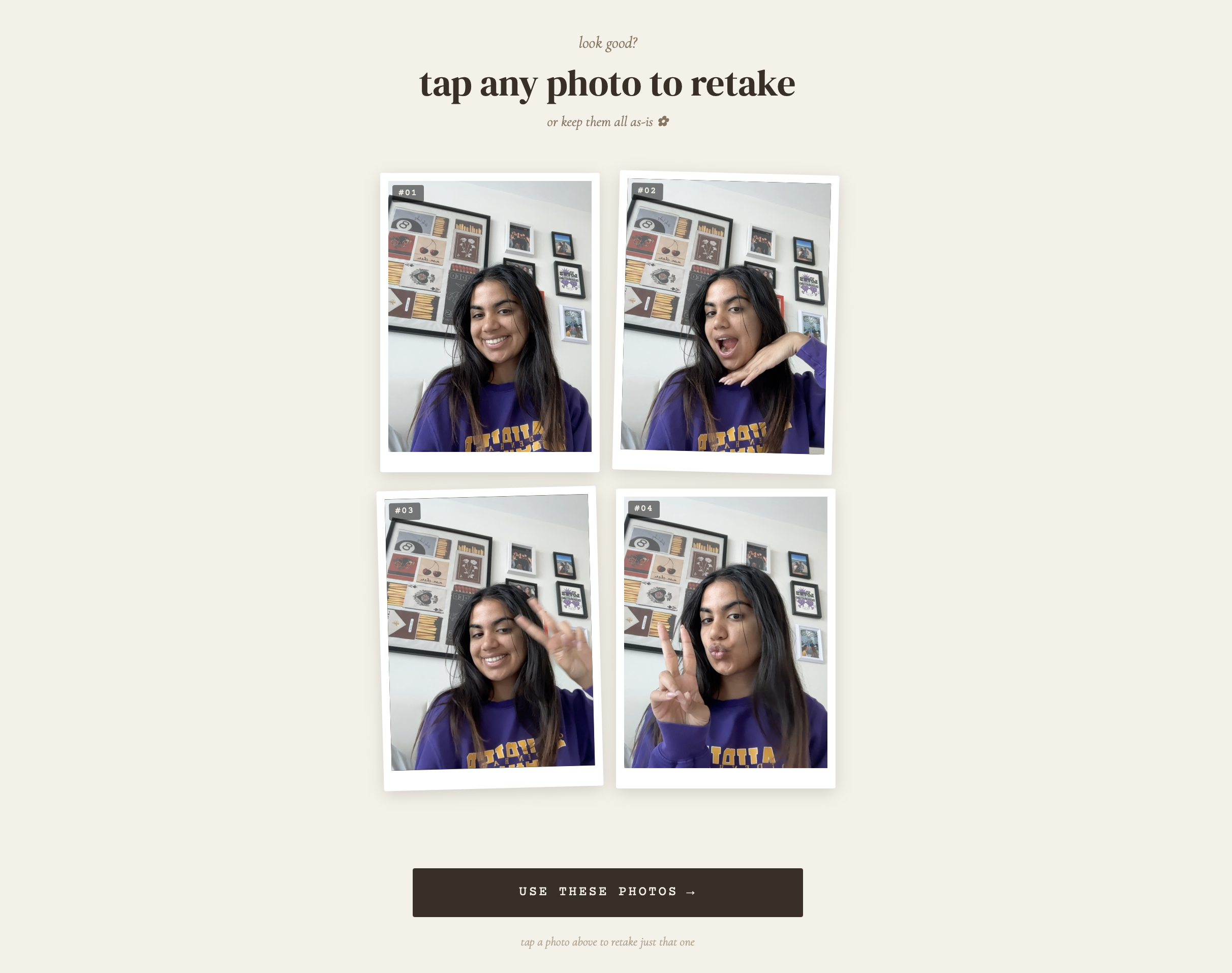
This flow leaned into the feeling of using a real photobooth camera. In this experience, the user can preview the pictures that are taken at the bottom and retake any specific picture.
Enjoy these pictures of me, as I create this case study LOL.
CORE FLOW
Customization & Styling
Instead of overwhelming users with filters, I curated a minimal set of film inspired styles. I wanted this experience to replicate a real life Photo Booth.
Principles:
Less choice, more confidence
Filters that feel analog, not algorithmic
Subtle imperfections (grain, tone shifts, warmth)
FIlm feeling + traditional Photo Booth
The goal wasn’t just to put a filter on it. I made sure each option edited the picture to match the vibe.
I want users to reframe their images.
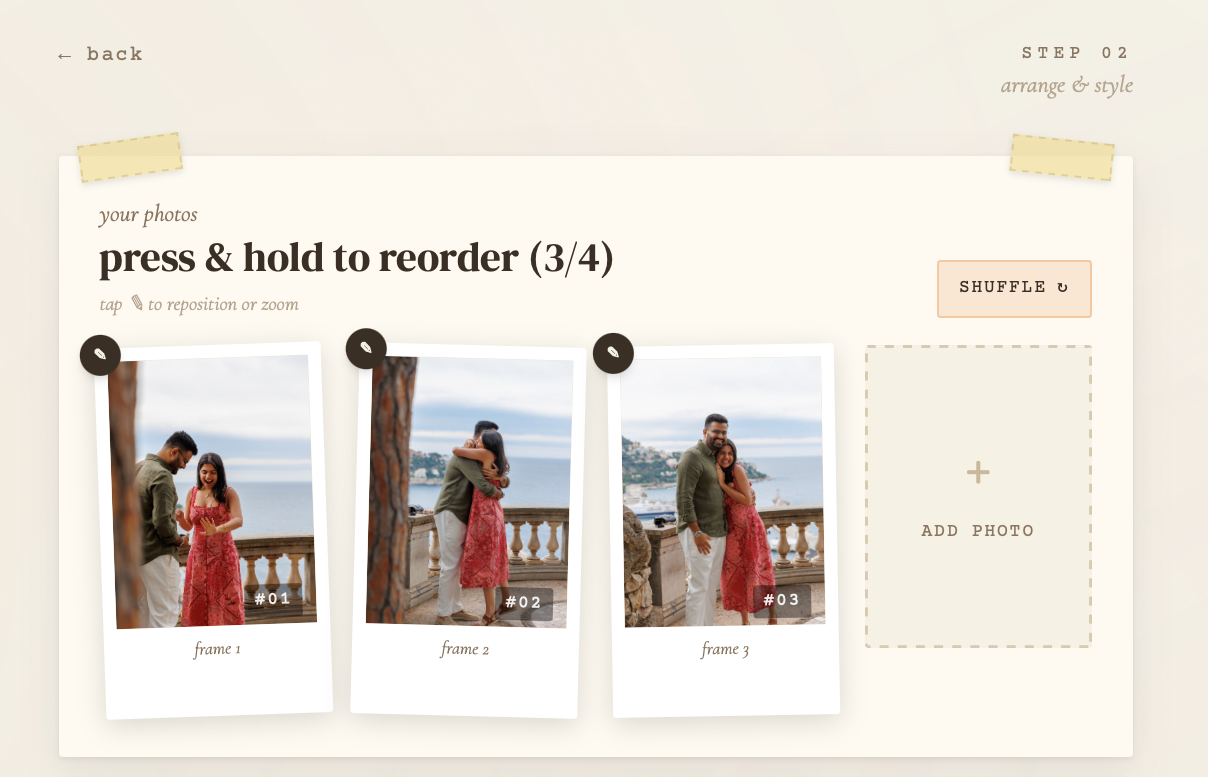
Step 1: Reorder, reposition, delete, or shuffle your images.
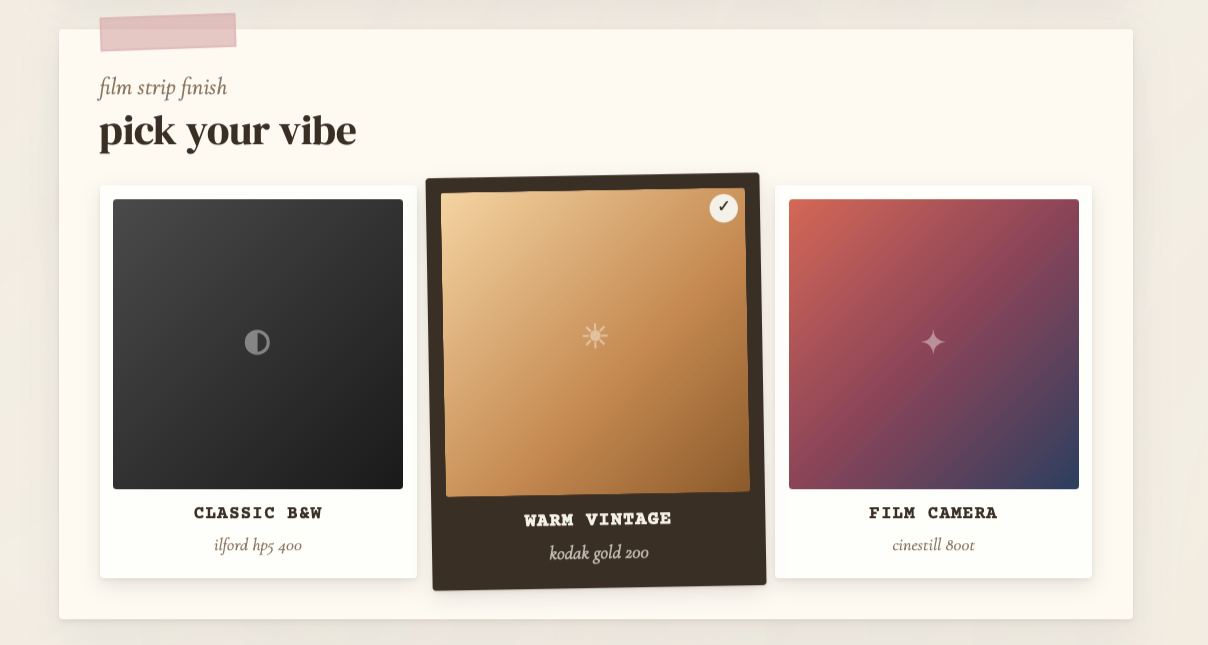
Step 2: Pick your vibe between 3 preset options
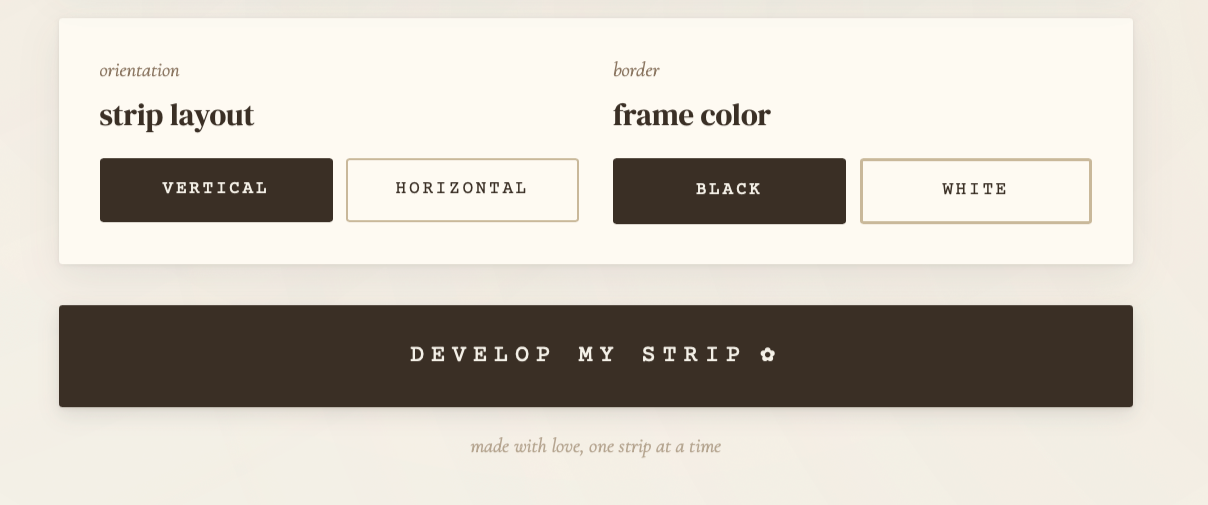
Step 3: Choose your orientation and frame colour
CORE FLOW
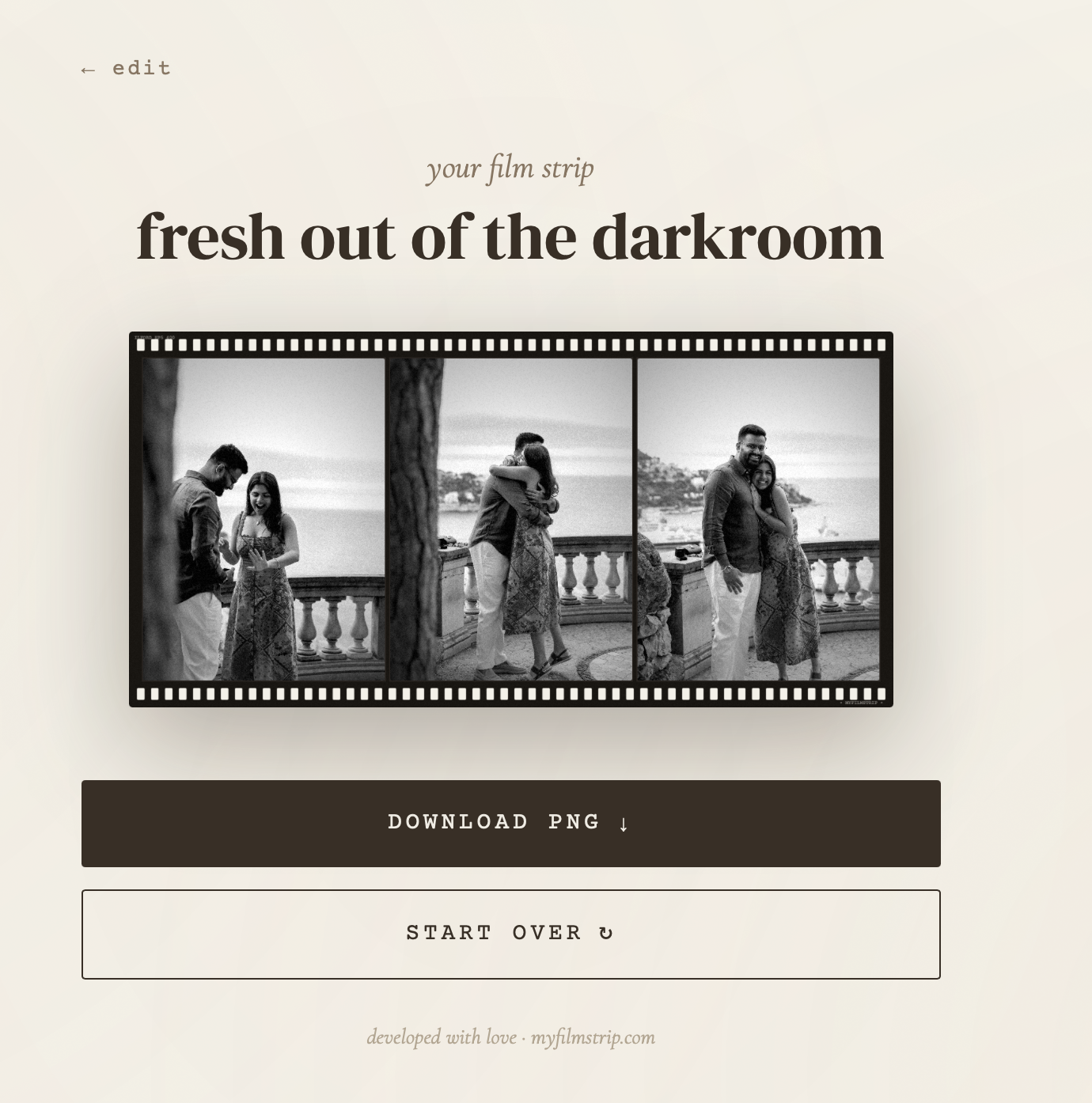
Output: Download, Share, Start Over
The output experience needed to feel like receiving something complete.
Design choices:
Film strip presented as a cohesive artifact
Clear export action (download/share)
Easy reset (“start over”) to encourage repeat use
This moment is critical. it’s where the product delivers emotional value.
Developed with love!
THE TOOLS
Building with AI
Claude → structuring logic
Cursor → rapid iteration and debugging
GitHub → version control and deployment pipeline
Vercel → instant deployment
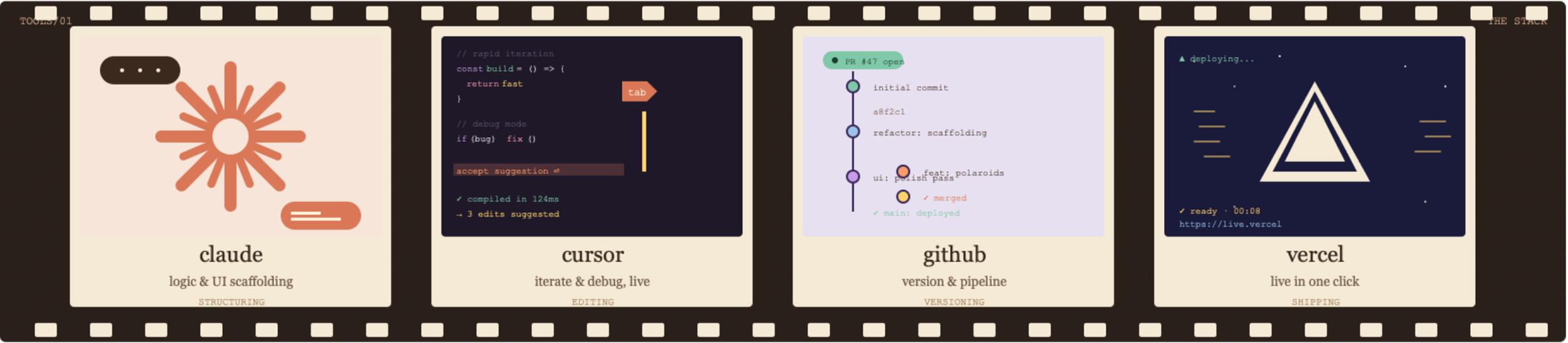
Workflow:
Prompt → generate structure
Refine → adjust UI/UX decisions manually
Iterate → test, fix, and improve in real-time
Deploy → ship immediately

REFLECTION
MyFilmStrip.com is an E2E site!
I’m just a Product Designer. But myfilmstrip sits at the intersection of:
Design
Engineering
Business/Culture
Even though it’s a simple platform and project, it represents a shift in how things can be made.
I’m so proud that my first vibe code project reflects my personal design style, personality, and my interests.
Ideas no longer need weeks to exist. With AI, they can be explored, tested, and shipped in a single day. How cool!!